Alert
An inline message about the page or a task: info, success, warning or error. Server-component safe.
- Transient confirmation after an action: use Toast (Wave 2).
- Blocking decisions: use Dialog.
Install
Terminal
pnpm dlx shadcn@latest add @acme/alertOr import from the package: import { Alert } from '@acme/react'
Examples
Basic
Scheduled maintenance
Billing is read-only on Sunday from 02:00 to 04:00 UTC.
Invoice sent
Northwind Traders will get it within a few minutes.
Card expires soon
Update your payment method before Nov 30 to avoid interruption.
Payment failed
Your bank declined the charge. Try another card.
alert-basic.tsx
import { Alert, AlertDescription, AlertTitle } from '@/components/ui/alert'

export default function AlertBasic() {
  return (
    <div className="flex max-w-xl flex-col gap-4">
      <Alert variant="info">
        <AlertTitle>Scheduled maintenance</AlertTitle>
        <AlertDescription>Billing is read-only on Sunday from 02:00 to 04:00 UTC.</AlertDescription>
      </Alert>
      <Alert variant="success">
        <AlertTitle>Invoice sent</AlertTitle>
        <AlertDescription>Northwind Traders will get it within a few minutes.</AlertDescription>
      </Alert>
      <Alert variant="warning">
        <AlertTitle>Card expires soon</AlertTitle>
        <AlertDescription>
          Update your payment method before Nov 30 to avoid interruption.
        </AlertDescription>
      </Alert>
      <Alert variant="destructive">
        <AlertTitle>Payment failed</AlertTitle>
        <AlertDescription>Your bank declined the charge. Try another card.</AlertDescription>
      </Alert>
    </div>
  )
}
Native
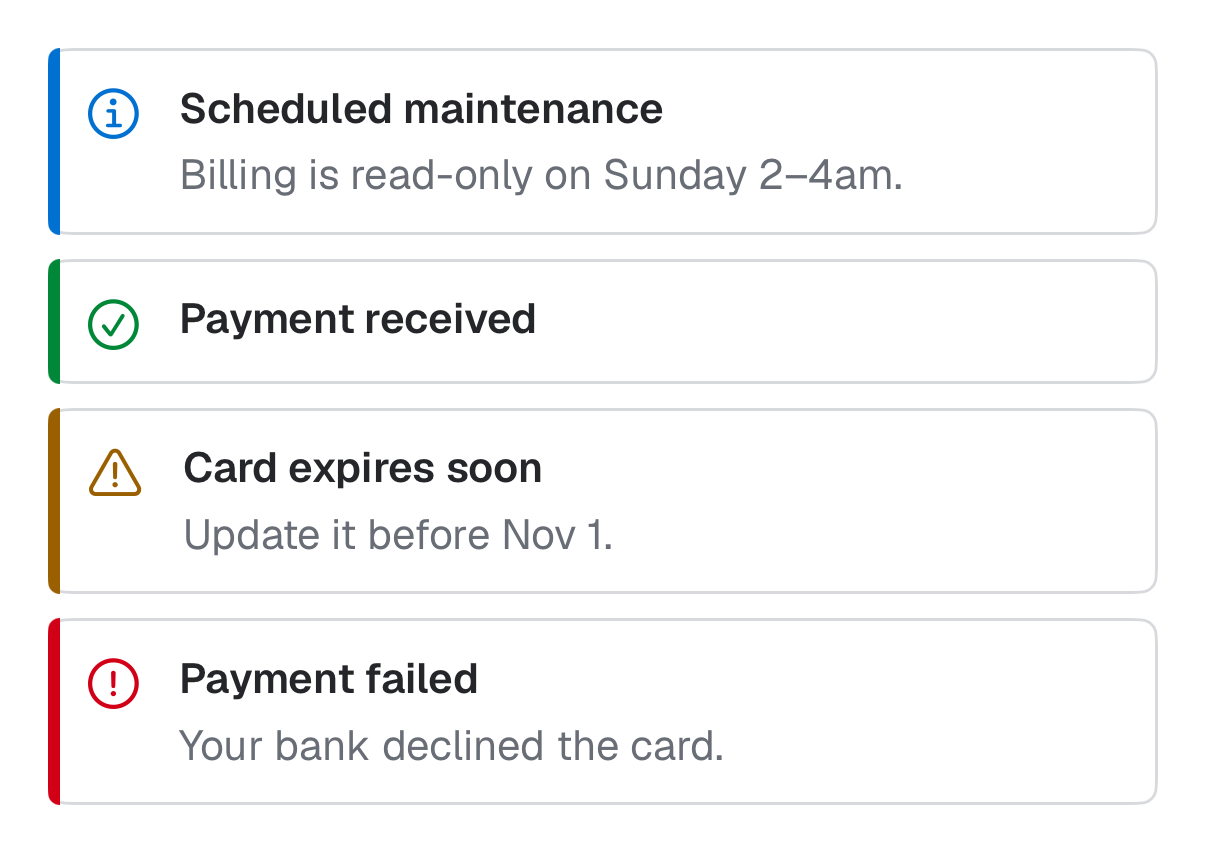
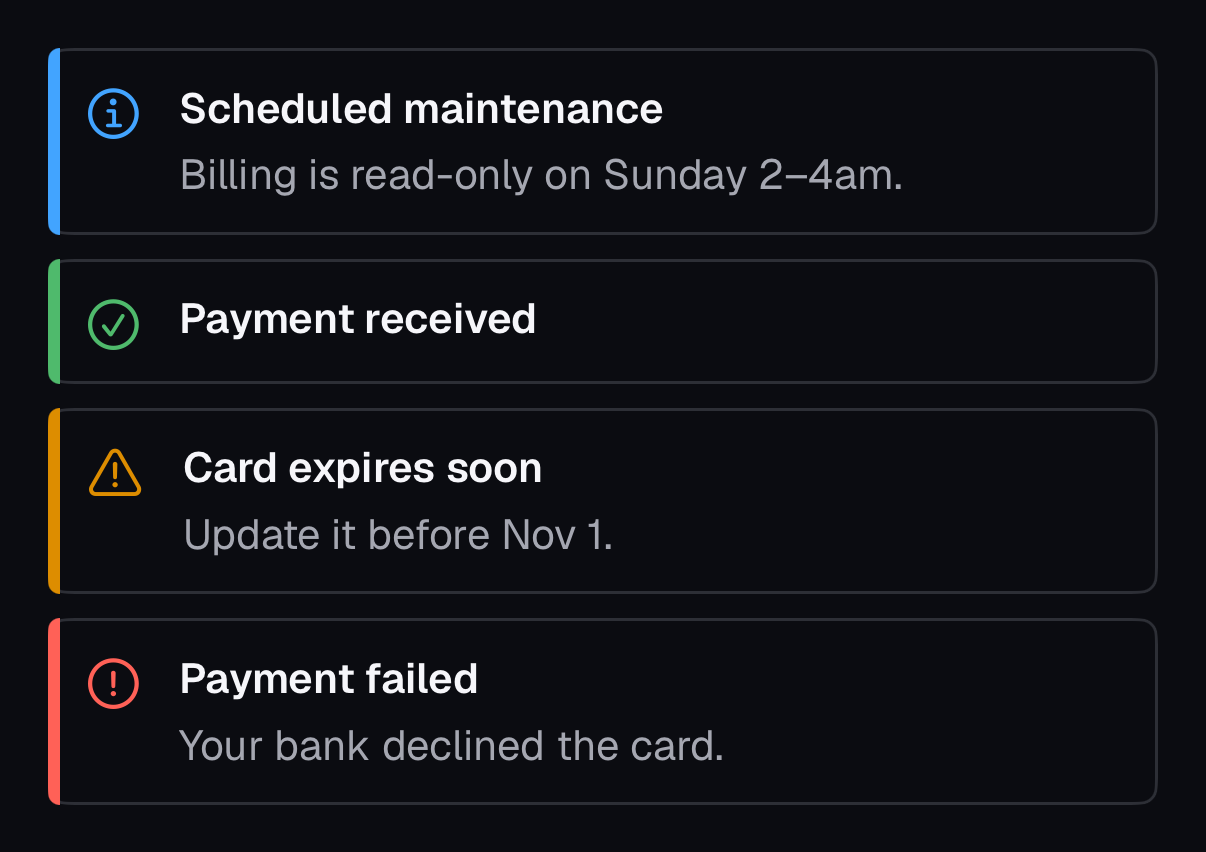
The same component for iOS (SwiftUI, AcmeUI) and Android (Jetpack Compose, com.acme.ui), built on each platform's own controls with the same tokens.
AcmeAlert
Swift
AcmeAlert(.destructive, title: "Payment failed", description: "Your bank declined the card.")- Warnings and errors post a VoiceOver announcement when they appear (like role="alert"); info and success do not.
Props
| Prop | Type | Default | Description |
|---|---|---|---|
| variant | 'info' | 'success' | 'warning' | 'destructive' | 'info' | Sets the icon, accent color and live-region role. |
| icon | ReactNode | — | Replace the variant icon (always decorative). |
Accessibility
- Role
- alert (warning, destructive) / status (info, success)
- You provide
- A title that states the problem or result.
- Built in
- Every variant shows an icon, so status is never color alone.
- Alerts inserted after load are announced; ones present on load are read in order.
- WCAG 2.2 criteria
- 1.4.1, 1.4.11, 4.1.3
Don’t
- Stack several role="alert" messages at once.
- Put the only copy of an error in an Alert far from the field; use FieldError.
Tokens
- color.info
- color.success
- color.warning
- color.destructive
- color.border
- color.muted-foreground
- radius.lg