Checkbox
A yes/no choice submitted with a form, or one of several independent choices.
- A setting that applies immediately: use Switch.
- One choice out of several: use RadioGroup.
Install
Terminal
pnpm dlx shadcn@latest add @acme/checkboxOr import from the package: import { Checkbox } from '@acme/react'
Examples
Basic
checkbox-basic.tsx
import { Checkbox } from '@/components/ui/checkbox'
import { Field } from '@/components/ui/field'
import { Label } from '@/components/ui/label'

export default function CheckboxBasic() {
  return (
    <div className="flex flex-col gap-4">
      <Field>
        <Label>
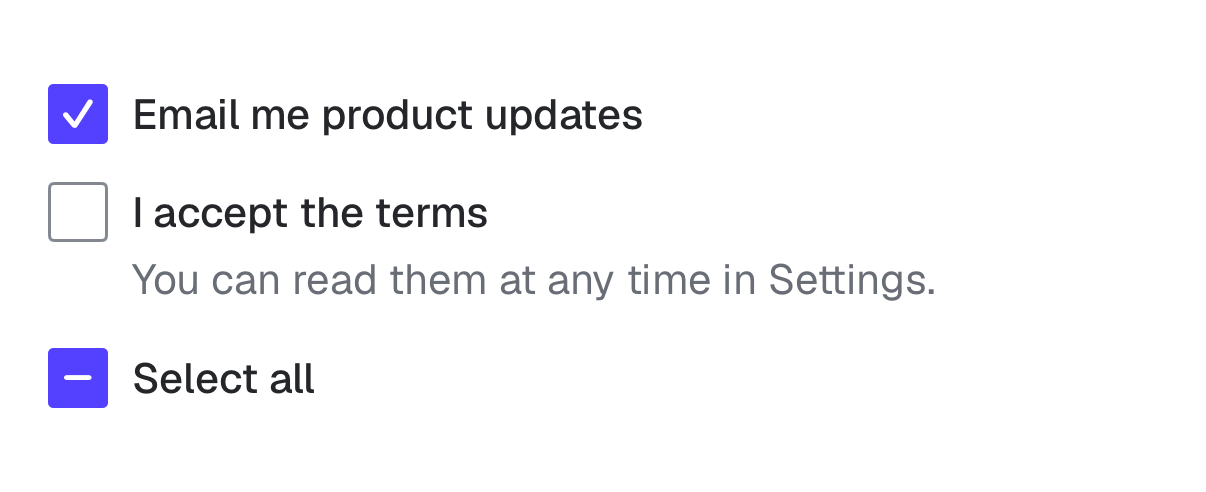
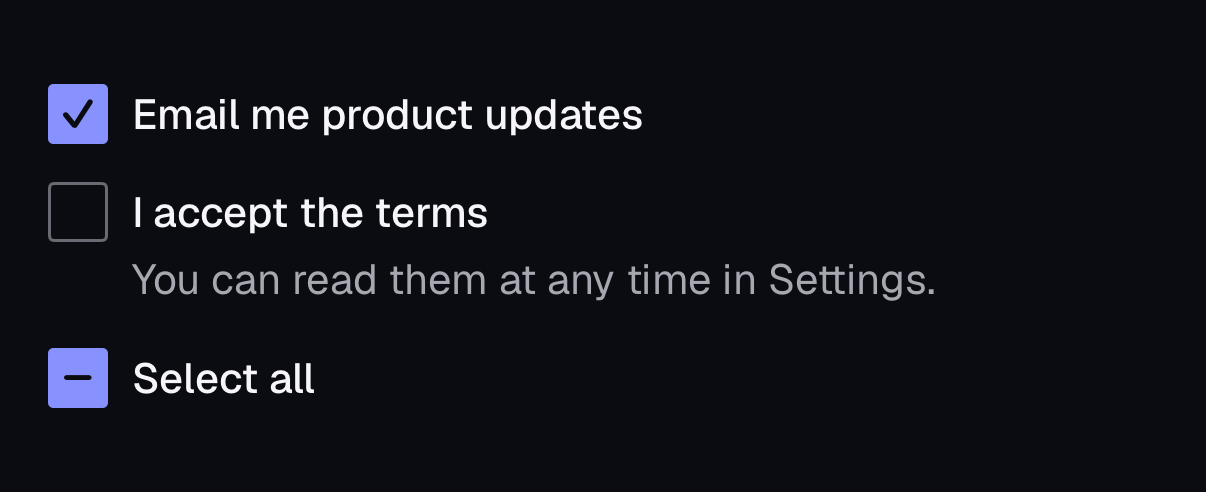
          <Checkbox name="updates" defaultChecked />
          Email me product updates
        </Label>
      </Field>
      <Field>
        <Label>
          <Checkbox name="all" indeterminate />
          Select all (3 of 5 selected)
        </Label>
      </Field>
      <Field disabled>
        <Label>
          <Checkbox name="locked" />
          Locked by your admin
        </Label>
      </Field>
    </div>
  )
}
Basic
label-basic.tsx
import { Checkbox } from '@/components/ui/checkbox'
import { Field, FieldLabel } from '@/components/ui/field'
import { Input } from '@/components/ui/input'
import { Label } from '@/components/ui/label'

export default function LabelBasic() {
  return (
    <div className="flex max-w-sm flex-col gap-6">
      {/* Text inputs: FieldLabel inside a Field is wired to the input. */}
      <Field>
        <FieldLabel>Display name</FieldLabel>
        <Input name="displayName" autoComplete="nickname" />
      </Field>
      {/* Choice controls: wrap them in a Label. */}
      <Label>
        <Checkbox name="remember" />
        Remember this device
      </Label>
    </div>
  )
}
Native
The same component for iOS (SwiftUI, AcmeUI) and Android (Jetpack Compose, com.acme.ui), built on each platform's own controls with the same tokens.
AcmeCheckbox
Swift
AcmeCheckbox("Email me product updates", isOn: $updates)
AcmeCheckbox("Select all", isOn: $all, isIndeterminate: true)- iOS has no native checkbox and a Toggle is announced as a switch, so it is a Button whose value is "checked", "unchecked" or "mixed".
- The whole row is the 44pt tap target.
Props
| Prop | Type | Default | Description |
|---|---|---|---|
| checked / defaultChecked | boolean | — | Controlled or initial state. |
| indeterminate | boolean | — | Mixed state, e.g. "select all" with some children selected. |
| name | string | — | Form field name. |
Accessibility
| Key | Action |
|---|---|
| Space | Toggles |
- Role
- checkbox
- You provide
- Wrap in a Label inside a Field.
- Built in
- Visual box is 16px; the hit area is 24px (44px on touch).
- Unchecked border uses --input, 3:1 against the page.
- WCAG 2.2 criteria
- 1.4.11, 2.5.8, 4.1.2
Don’t
- Use a checkbox to trigger an immediate action.
Tokens
- color.input
- color.primary
- color.primary-foreground
- color.ring
- radius.sm