Wave 1
Label
A native label. Wraps a Checkbox, RadioGroupItem or Switch so the whole row is clickable and names the control. Server-component safe.
- Text inputs in a Field: use FieldLabel, which is wired to the control.
- Labeling a group of controls: use Fieldset and FieldsetLegend, or aria-labelledby.
Install
Terminal
pnpm dlx shadcn@latest add @acme/labelOr import from the package: import { Label } from '@acme/react'
Examples
Basic
label-basic.tsx
import { Checkbox } from '@/components/ui/checkbox'
import { Field, FieldLabel } from '@/components/ui/field'
import { Input } from '@/components/ui/input'
import { Label } from '@/components/ui/label'

export default function LabelBasic() {
  return (
    <div className="flex max-w-sm flex-col gap-6">
      {/* Text inputs: FieldLabel inside a Field is wired to the input. */}
      <Field>
        <FieldLabel>Display name</FieldLabel>
        <Input name="displayName" autoComplete="nickname" />
      </Field>
      {/* Choice controls: wrap them in a Label. */}
      <Label>
        <Checkbox name="remember" />
        Remember this device
      </Label>
    </div>
  )
}
Native
The same component for iOS (SwiftUI, AcmeUI) and Android (Jetpack Compose, com.acme.ui), built on each platform's own controls with the same tokens.
AcmeTextField(label:) / AcmeSelect(label:)
Swift
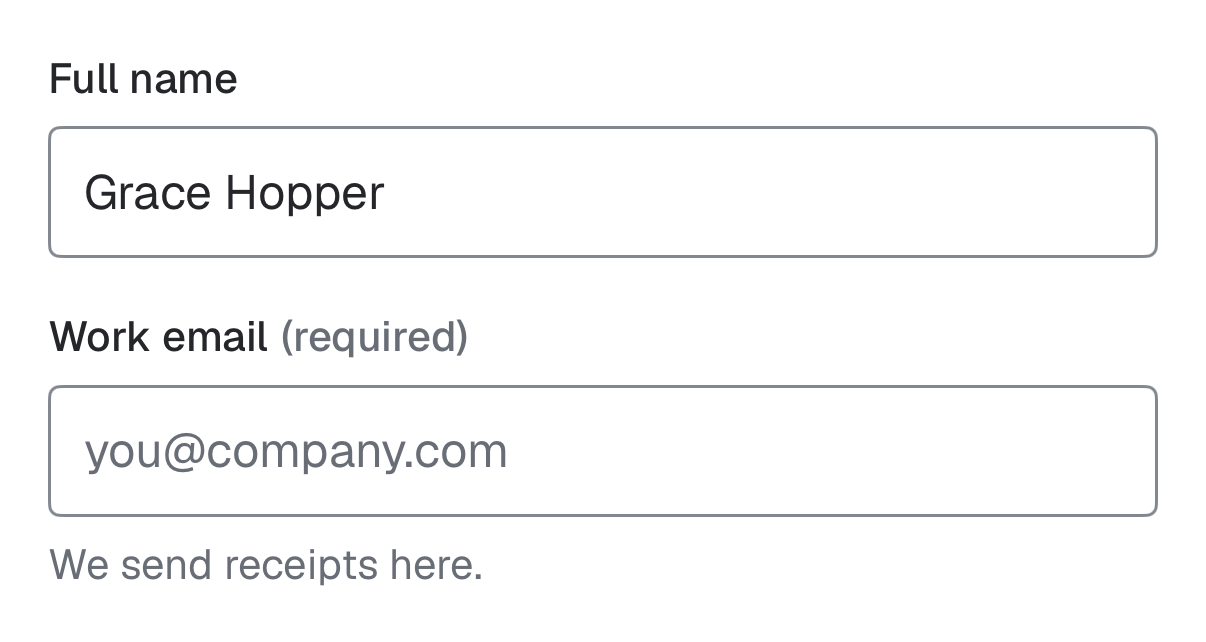
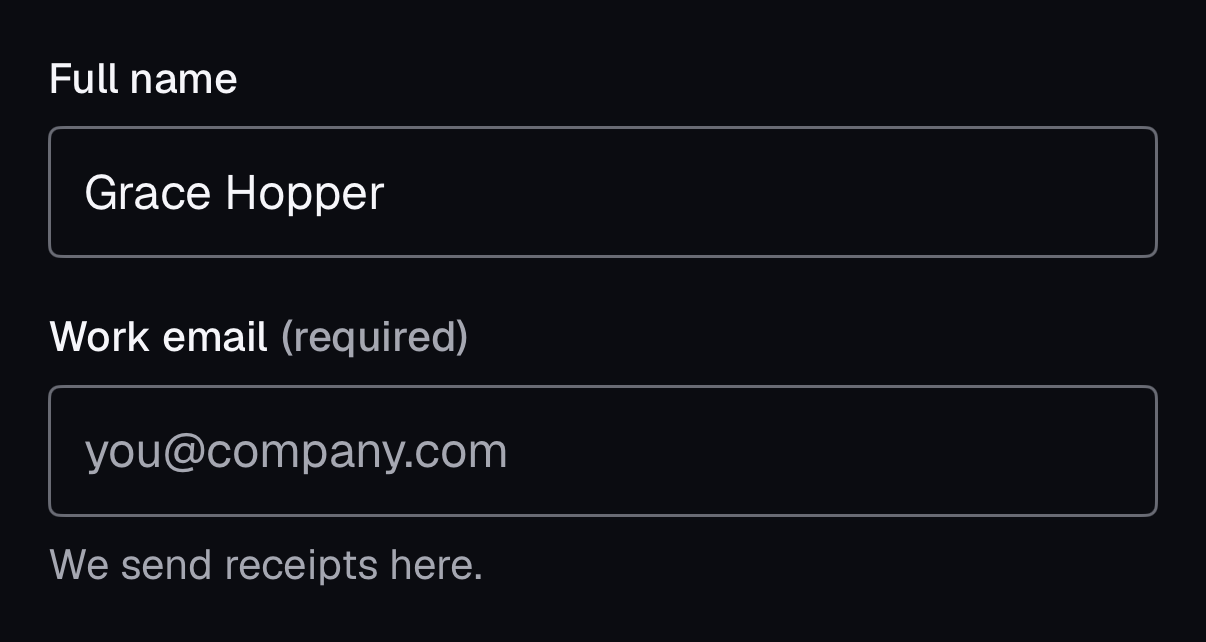
AcmeTextField("Full name", text: $name)- There is no separate Label view: every native field takes its label, so the two can never be disconnected.
Accessibility
- You provide
- The control must be a child of the Label.
- Built in
- Clicking the label focuses or toggles its control, enlarging the target.
- WCAG 2.2 criteria
- 1.3.1, 2.5.3, 3.3.2
Don’t
- Use a bare <div> or placeholder instead of a label.
Tokens
- color.foreground