Radio Group
One choice from a short list where every option should be visible.
- More than about 5 options: use Select.
- Independent choices: use Checkbox.
Install
Terminal
pnpm dlx shadcn@latest add @acme/radio-groupOr import from the package: import { RadioGroup } from '@acme/react'
Examples
Group basic
Plan
radio-group-basic.tsx
import { Label } from '@/components/ui/label'
import { RadioGroup, RadioGroupItem } from '@/components/ui/radio-group'

export default function RadioGroupBasic() {
  return (
    <div className="flex flex-col gap-3">
      <p id="plan-label" className="text-body-sm font-medium">
        Plan
      </p>
      <RadioGroup aria-labelledby="plan-label" name="plan" defaultValue="team">
        <Label>
          <RadioGroupItem value="starter" />
          Starter, up to 3 seats
        </Label>
        <Label>
          <RadioGroupItem value="team" />
          Team, up to 20 seats
        </Label>
        <Label>
          <RadioGroupItem value="enterprise" />
          Enterprise, unlimited seats
        </Label>
      </RadioGroup>
    </div>
  )
}
Native
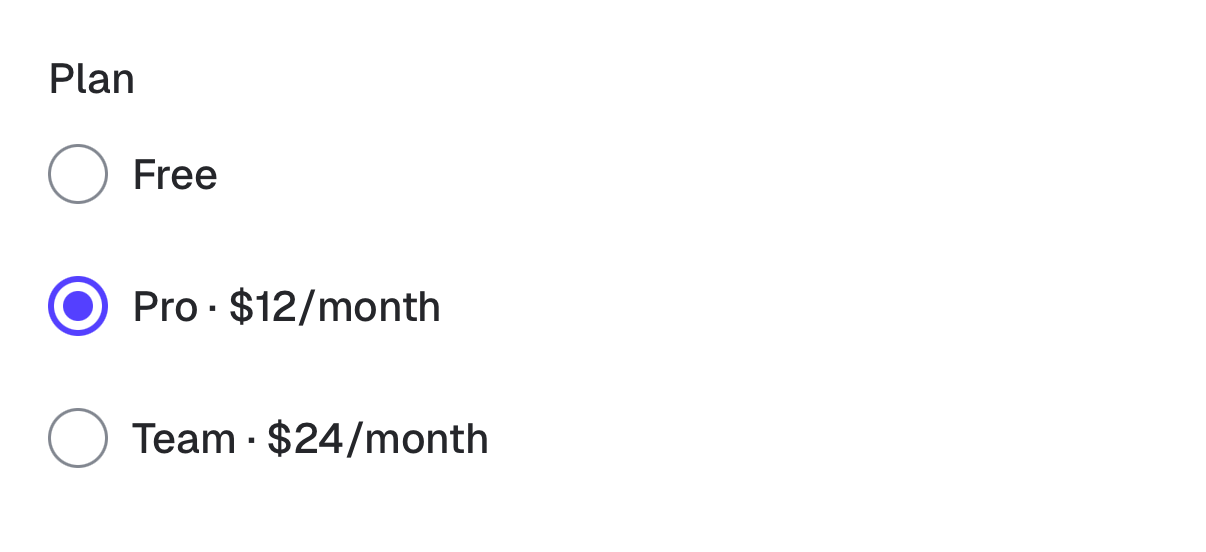
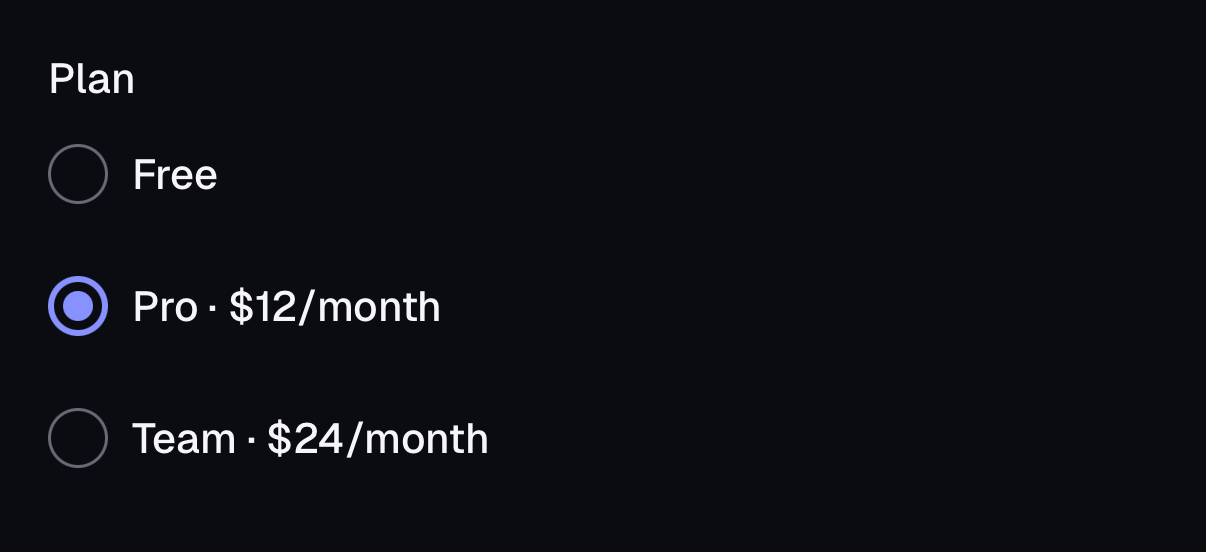
The same component for iOS (SwiftUI, AcmeUI) and Android (Jetpack Compose, com.acme.ui), built on each platform's own controls with the same tokens.
AcmeRadioGroup
Swift
AcmeRadioGroup("Plan", selection: $plan, options: [("free", "Free"), ("pro", "Pro")])- Each option is a button with the Selected trait and an "n of m" hint; the group is named by its label.
Props
| Prop | Type | Default | Description |
|---|---|---|---|
| value / defaultValue | string | — | Selected value. |
| name | string | — | Form field name. |
| aria-labelledby | string | — | Id of the visible group label. |
| RadioGroupItem.value (required) | string | — | This option's value. |
Accessibility
| Key | Action |
|---|---|
| Tab | Moves focus into and out of the group |
| Arrow keys | Move selection between options |
| Space | Selects the focused option |
- Role
- radiogroup / radio
- You provide
- A group label via aria-labelledby or a Fieldset legend.
- Wrap each item in a Label.
- Built in
- Hit area is 24px (44px on touch).
- WCAG 2.2 criteria
- 1.3.1, 1.4.11, 2.1.1, 2.5.8, 4.1.2
Don’t
- Leave a required group with no default and no error message.
Tokens
- color.input
- color.primary
- color.ring