Select
Pick one option from a list too long to show as radio buttons.
- 5 or fewer options: use RadioGroup.
- Long lists people search: use Combobox (Wave 2).
Install
Terminal
pnpm dlx shadcn@latest add @acme/selectOr import from the package: import { Select } from '@acme/react'
Examples
Basic
Used for reminders and reports.
select-basic.tsx
import { Field, FieldDescription, FieldLabel } from '@/components/ui/field'
import {
  Select,
  SelectContent,
  SelectGroup,
  SelectItem,
  SelectLabel,
  SelectSeparator,
  SelectTrigger,
  SelectValue,
} from '@/components/ui/select'

const timezones = {
  'America/New_York': 'Eastern (New York)',
  'America/Chicago': 'Central (Chicago)',
  'America/Los_Angeles': 'Pacific (Los Angeles)',
  'Europe/London': 'London',
  'Europe/Berlin': 'Berlin',
}

export default function SelectBasic() {
  return (
    <Field className="max-w-xs">
      <FieldLabel>Time zone</FieldLabel>
      <Select name="timezone" items={timezones}>
        <SelectTrigger>
          <SelectValue placeholder="Choose a time zone" />
        </SelectTrigger>
        <SelectContent>
          <SelectGroup>
            <SelectLabel>North America</SelectLabel>
            <SelectItem value="America/New_York">Eastern (New York)</SelectItem>
            <SelectItem value="America/Chicago">Central (Chicago)</SelectItem>
            <SelectItem value="America/Los_Angeles">Pacific (Los Angeles)</SelectItem>
          </SelectGroup>
          <SelectSeparator />
          <SelectGroup>
            <SelectLabel>Europe</SelectLabel>
            <SelectItem value="Europe/London">London</SelectItem>
            <SelectItem value="Europe/Berlin">Berlin</SelectItem>
          </SelectGroup>
        </SelectContent>
      </Select>
      <FieldDescription>Used for reminders and reports.</FieldDescription>
    </Field>
  )
}
Native
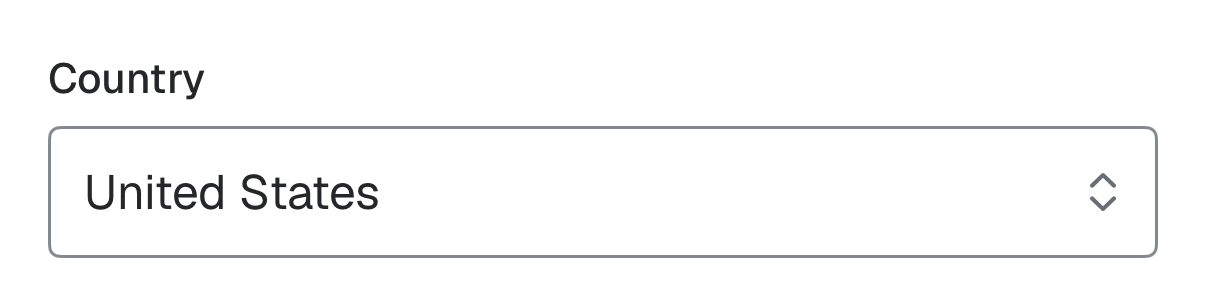
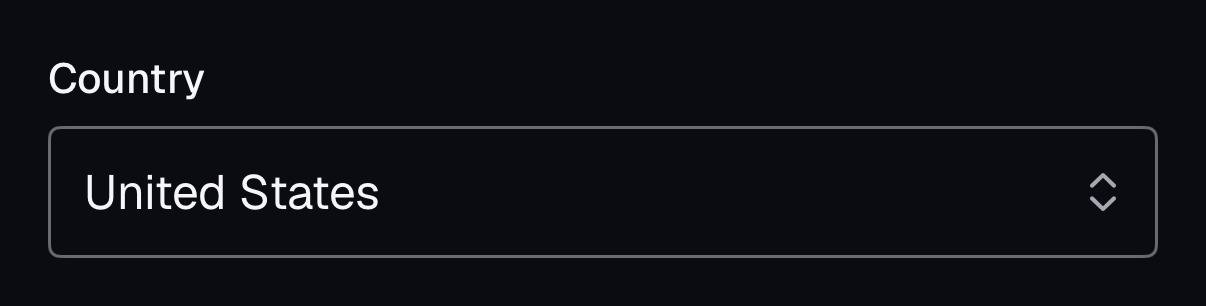
The same component for iOS (SwiftUI, AcmeUI) and Android (Jetpack Compose, com.acme.ui), built on each platform's own controls with the same tokens.
AcmeSelect
Swift
AcmeSelect("Country", selection: $country, options: [("us", "United States"), ("ca", "Canada")])- A Menu with a Picker inside a field box; VoiceOver reads the label and the current choice.
Props
| Prop | Type | Default | Description |
|---|---|---|---|
| items | Record<string, ReactNode> | {value,label}[] | — | Value-to-label map so SelectValue shows the label before the popup opens. |
| value / defaultValue | string | — | Selected value. |
| name | string | — | Form field name. |
| SelectValue.placeholder | string | — | Shown when nothing is selected. |
| SelectContent.alignItemWithTrigger | boolean | true | Overlap the trigger so the selected item lines up with it (desktop). |
Accessibility
| Key | Action |
|---|---|
| Enter / Space / Arrow Down | Opens the list |
| Arrow keys | Move highlight |
| Type a letter | Jumps to a matching option |
| Enter | Selects and closes |
| Escape | Closes without changing |
- Role
- combobox + listbox
- You provide
- Label the select with Field + FieldLabel.
- Built in
- SelectLabel names a group inside the list (as in shadcn), not the select.
- WCAG 2.2 criteria
- 1.3.1, 2.1.1, 4.1.2
Don’t
- Use a Select for 2 or 3 options.
- Navigate on selection.
Tokens
- color.input
- color.popover
- color.popover-foreground
- color.accent
- color.muted-foreground
- elevation.2
- z.popover