Wave 1
Textarea
Multi-line text entry: comments, descriptions, feedback.
- One line of text: use Input.
Install
Terminal
pnpm dlx shadcn@latest add @acme/textareaOr import from the package: import { Textarea } from '@acme/react'
Examples
Basic
Grows as you type. Up to 500 characters.
textarea-basic.tsx
import { Field, FieldDescription, FieldLabel } from '@/components/ui/field'
import { Textarea } from '@/components/ui/textarea'

export default function TextareaBasic() {
  return (
    <Field className="max-w-md">
      <FieldLabel>Feedback</FieldLabel>
      <Textarea name="feedback" placeholder="What could we do better?" />
      <FieldDescription>Grows as you type. Up to 500 characters.</FieldDescription>
    </Field>
  )
}
Native
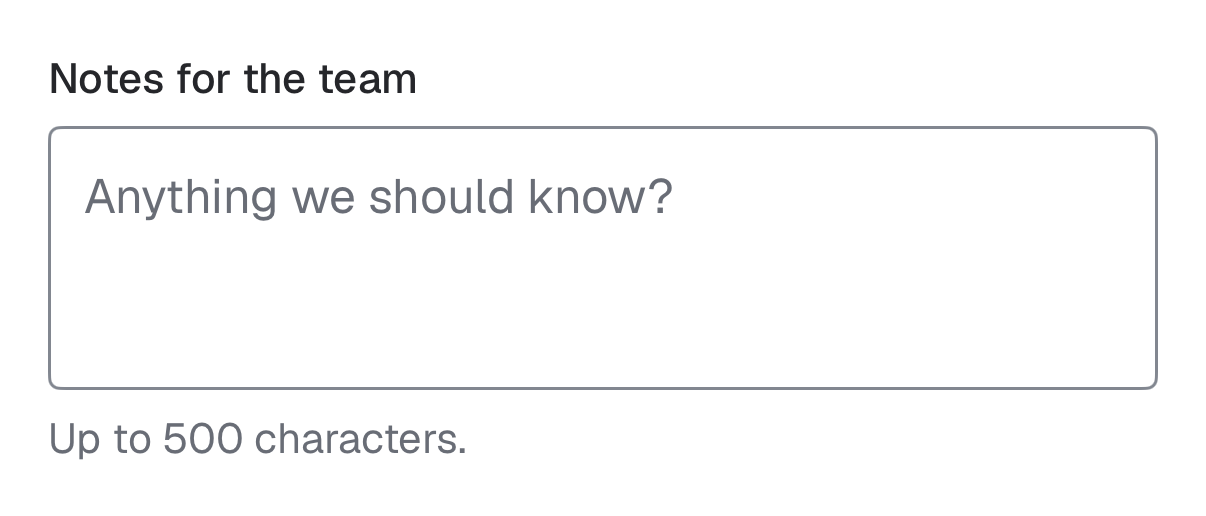
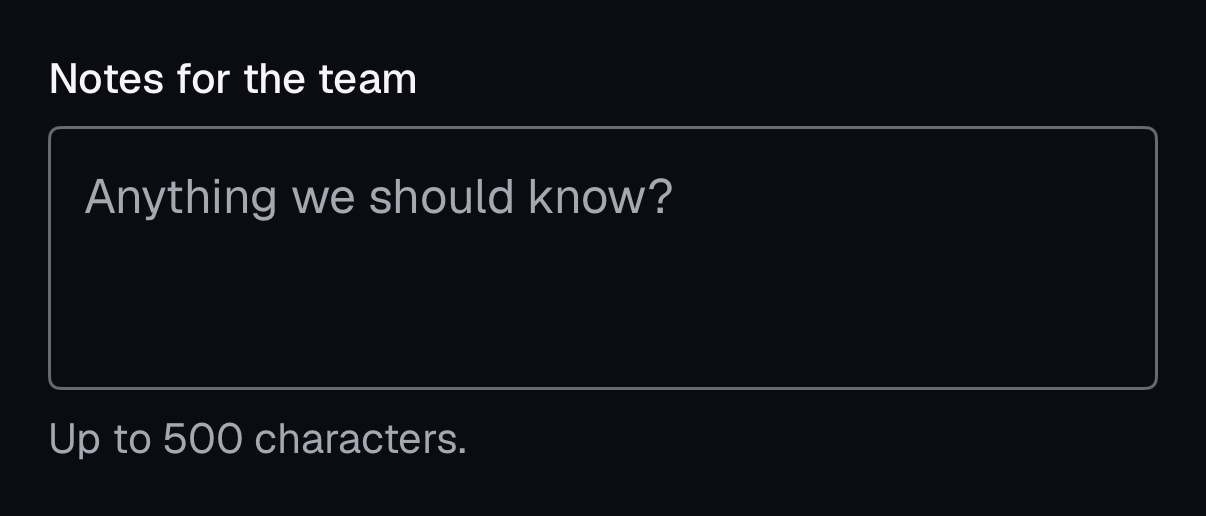
The same component for iOS (SwiftUI, AcmeUI) and Android (Jetpack Compose, com.acme.ui), built on each platform's own controls with the same tokens.
AcmeTextArea
Swift
AcmeTextArea("Notes", text: $notes, description: "Up to 500 characters.")- Grows from 3 to 8 lines, then scrolls.
Props
| Prop | Type | Default | Description |
|---|---|---|---|
| rows | number | 4 | Initial height in rows; grows with content (field-sizing). |
Accessibility
- Role
- textbox (multiline)
- You provide
- A label: Place inside Field with a FieldLabel; Field wires label, description and error.
- WCAG 2.2 criteria
- 1.3.1, 3.3.2, 4.1.2
Don’t
- Use a fixed tiny height that forces scrolling.
Tokens
- color.input
- color.background
- color.ring
- radius.md